
Call us Today!
1-877-943-9378
West Law Injury Attorneys | Charleston, WV logo West Law Injury Attorneys | Charleston, WV logo West Law Injury Attorneys | Charleston, WV logo
  • About
    • Our Team
      • Brooks West
      • View All Team Members
    • Blog
    • Testimonials
  • Practice Areas
    • Personal Injury
    • Truck Accident
    • Car Accident
    • Slip and Fall Accident
    • Work Injury
    • Wrongful Death
    • Dog Bite Injury
    • Bad Faith Insurance
    • Sexual Abuse and Assault
    • View All Practice Areas
  • Areas We Serve
    • Charleston
    • Beckley
    • Fairmont
    • Huntington
    • Morgantown
    • Martinsburg
    • Parkersburg
    • Weirton
    • West Virginia
    • Wheeling
    • View All Areas We Serve
  • FAQs
  • Resources
    • Scholarship
    • Lawyer Secrets Opt-in
    • Injury Law Definitions
  • Case Results
  • Contact Us
Call For Free Consultation
1-877-943-9378
  • About
    • Our Team
      • Brooks West
      • View All Team Members
    • Blog
    • Testimonials
  • Practice Areas
    • Personal Injury
    • Truck Accident
    • Car Accident
    • Slip and Fall Accident
    • Work Injury
    • Wrongful Death
    • Dog Bite Injury
    • Bad Faith Insurance
    • Sexual Abuse and Assault
    • View All Practice Areas
  • Areas We Serve
    • Charleston
    • Beckley
    • Fairmont
    • Huntington
    • Morgantown
    • Martinsburg
    • Parkersburg
    • Weirton
    • West Virginia
    • Wheeling
    • View All Areas We Serve
  • FAQs
  • Resources
    • Scholarship
    • Lawyer Secrets Opt-in
    • Injury Law Definitions
  • Case Results
  • Contact Us

Home » Blog » How the iPhone Can Prevent Texting While Driving Crashes

Table of Contents[Expand]
  1. Helping to Prevent Texting While Driving Accidents in West Virginia
  2. How to Use the iPhone Do Not Disturb While Driving Feature
  3. How Do Not Disturb While Driving Works
  4. How to Help Keep Your Teen Safe with Do Not Disturb While Driving -- Use Restrictions to Keep it on
  5. Get a Free Consultation with an Experienced West Virginia Personal Injury Lawyer

How the iPhone Can Prevent Texting While Driving Crashes

Helping to Prevent Texting While Driving Accidents in West Virginia

Each day, 9 people are killed and more than 1,000 are injured in crashes caused by texting while driving and other forms of distracted driving. Talking on a cell phone and using a navigation Girls texting while driving jeep in West Virginia before car accident.system are other common forms of distracted driving that cause car accidents.

Unfortunately, texting while driving is also on the rise despite educational efforts and recent changes in state laws. For example, West Virginia outlawed texting while driving a few years back, but texting while driving still continues to be a major cause of crashes in the Mountain State.  Fortunately, there is now a direct solution to help stop texting while driving.

Apple, with its release of IOS 11, has created a feature called Do Not Disturb While Driving. It can help prevent you and your family members from becoming distracted by  incoming calls and texts. It can also help eliminate the temptation to make outgoing texts and calls.

For a free legal consultation,
call 1-877-943-9378 today

How to Use the iPhone Do Not Disturb While Driving Feature

The first thing you need to do is update your iPhone to iOS11 or the most recent iOS update. You can do this in Settings > General > Software Update. Once your iPhone is updated, the next time it senses that you might be driving, it will show a description of the Do Not Disturb While Driving feature after you stop.

When prompted, tap Turn On While Driving, and the Do Not Disturb While Driving feature will be activated. This feature will then turn on automatically when your iPhone connects to your vehicle by Bluetooth or when your iPhone senses driving motion. You can change the method your iPhone uses to determine whether you’re driving or turn the feature on manually.

If you do not get the prompt asking if you want to activate Do Not Disturb While Driving you can activate it in Settings.

To activate Do Not Disturb While Driving Manually: Go to Settings > Do Not Disturb > Activate (Just under the heading DO NOT DISTURB WHILE DRIVING).

After you tap Activate you will see the options to activate Do Not Disturb While Driving either Automatically, When Connected to Car BlueTooth, or Manually. The manual option can be turned on in the control center, but it offers less protection than activated this feature automatically.

Some users have also noticed that choosing the option asking the iPhone to activate this feature when connected to Bluetooth is not always reliable. Therefore, we recommend using the activate Automatically option to get the best results from this safety feature.

How Do Not Disturb While Driving Works

Here’s what to expect when Do Not Disturb while driving is turned on. You can customize some of these features in Settings.

  •  Your iPhone stays silent and the screen stays dark. If someone sends you a message, they receive an automatic reply from you letting them know that you’re driving. You can customize your auto-reply message in settings.
  • For urgent messages, the sender can type the word “urgent” to make sure that you receive a notification so you can pull over to read the important message or ask Siri to read it to you.
  • iPhone will still deliver some notifications like emergency alerts, timers and alarms.
  • If you use Maps to navigate, your iPhone still shows lock-screen navigation help and gives turn-by-turn instructions.
  • If you’re a passenger and you try to use your iPhone while the feature is active, you must tap I’m Not Driving to turn it off.
  • Your iPhone will deliver phone calls using the same conditions as the standard Do Not Disturb. For example, you can allow calls only from your Favorites and allow calls to come through if the same person calls you twice in a row. If your iPhone connects to your car via Bluetooth, calls will come through as usual, and you can use your car’s controls to take your call if needed.

*Please keep in mind talking on the phone even with hands-free technology like bluetooth is still a form of distracted driving and increases your chances of being involved in a car crash.

How to Help Keep Your Teen Safe with Do Not Disturb While Driving — Use Restrictions to Keep it on

Texting while driving is now the leading cause of death for teen drivers, edging out drunk driving, according to a new study. Fortunately, iPhone’s Do Not Disturb While Driving feature can help you ensure your child stays focused on the road while driving and not on his or her iPhone.

Here’s how to use Restrictions on your teens iPhone to keep the Do Not Disturb While Driving feature on:

1. On your child’s iPhone, first make sure the Do Not Disturb While Driving feature is turned on in Settings > Do Not Disturb > Activate > Automatically (Just under the heading DO NOT DISTURB WHILE DRIVING). We recommend you choose Automatically because it appears to sense when someone is driving more reliably than When Connected to Car Bluetooth option. Choosing this option will also make it more difficult for your child to figure out a way to circumvent this safety feature.

2. Next, go to Settings > General > Restrictions.

3. If you haven’t used Restrictions before, enter a new passcode. Remember this passcode for any future changes.

4. Under Allow Changes, tap Do Not Disturb While Driving.

5. Select Don’t Allow Changes.

Now your child will not be able to make any changes to the Do Not Disturb While Driving feature that you activated in Step 1.

*For more information on the iPhone Do Not Disturb While Driving feature, visit apple here.

Complete a Free Case Evaluation Form Now

Get a Free Consultation with an Experienced West Virginia Personal Injury Lawyer

We hope this article helps keep you and your family safe from texting while driving. However, if you or a loved one is injured in an accident, by a negligent driver, or by someone who was texting while driving, we invite you to call us one of our experienced West Virginia car accident attorneys for a Free Consultation. Our toll free number is 1-877-943-9378 (WEST). And with West Law Injury Attorneys, there’s never a fee unless and until you recover compensation.

Call or text 1-877-943-9378 or fill out our Free Case Evaluation Form to get started

WV personal injury lawyer and West Law Injury Attorneys founder Brooks West sitting in front of law books at his office in Charleston, WV Brooks West, Esq.

Brooks West is a distinguished West Virginia personal injury attorney and the founder of West Law Injury Attorneys. Since beginning his legal career in 2005, he has been a tireless advocate for those injured due to the negligence of others.

Brooks is ranked by Best Lawyers, and his exceptional legal skills and dedication have earned him the prestigious Martindale-Nolo AV Preeminent Rating, an accolade bestowed on attorneys who demonstrate the highest levels of professional excellence and ethical standards. Brooks is also a member of both the Million Dollar Advocates Forum and the Multimillion Dollar Advocates Forum, reflecting his track record of securing multimillion dollar results for his clients.

Throughout his career, Brooks has demonstrated unwavering dedication to helping injured individuals and their families. If you’ve been hurt in an accident, Brooks West and his team at West Law Injury Attorneys are ready to fight for the compensation you deserve.

Car Accident Blog Posts:
New West Virginia Auto Insurance Limits: Protection From Uninsured Drivers

New West Virginia Auto Insurance Limits: Protection From Uninsured Drivers

New West Virginia Auto Insurance Limits and Areas for Concern Effective January 1, 2016, West Virginia raised its mandatory motor vehicle insurance limits in an effort to better…

The 48 Hours following a West Virginia Car Accident – II

The 48 Hours following a West Virginia Car Accident – II

On behalf of the West Virginia personal injury law firm of West Law Injury Attorneys -- Below are important steps to take during the first forty eight hours…

9 Tips For Avoiding an Accident When Driving in West Virginia Snow and Ice

9 Tips For Avoiding an Accident When Driving in West Virginia Snow and Ice

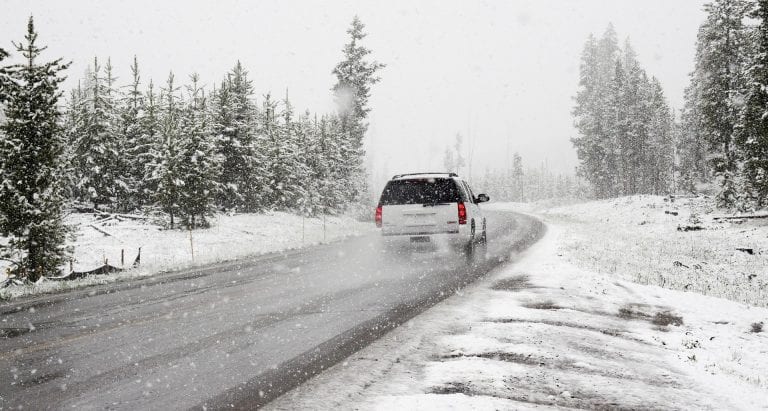
Winter driving in West Virginia presents unique challenges — from black ice on I-64 and I-77 to steep, winding mountain roads that turn slick with snow. According to the Federal Highway…

How to Avoid an Accident in West Virginia Construction Zones

How to Avoid an Accident in West Virginia Construction Zones

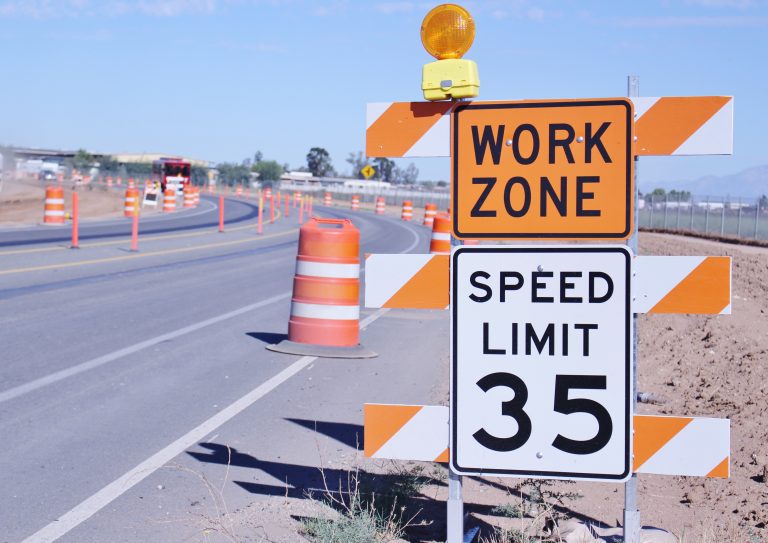
Over 750 people die each year in work zone auto accidents, according to the National Safety Council. This represents a 29% increase in construction zone crashes over the…

Free Case Evaluation

Fill out the form below to receive
a free initial consultation.

Categories
  • Boat Accident
  • Brain Injury
  • Bus Accident
  • Car Accident
  • Coal Mining Accident
  • Dangerous Products
  • Dog Bite
  • Employment
  • Firm News
  • Fracking Accident
  • Injury Law
  • Jail Injury
  • Mass Tort
  • Medical Malpractice
  • News
  • Nursing Home Abuse
  • Pedestrian Accident
  • Personal Injury
  • Premises Liability
  • Product Liability
  • Sexual Abuse
  • Slip And Fall
  • Social Security
  • Truck Accident
  • Work Injury
  • Wrongful Death
Find Yourself a Passionate Lawyer Now!
  • West Virginia Personal Injury Lawyer
  • Weirton Personal Injury Lawyer
  • Wheeling Personal Injury Lawyer
  • Fairmont Personal Injury Lawyer
  • Parkersburg Personal Injury Lawyer
  • Beckley Personal Injury Lawyer
  • Charleston Personal Injury Lawyer
  • Morgantown Personal Injury Lawyer
  • Martinsburg Personal Injury Lawyer
  • Huntington Personal Injury Lawyer
FAQs
Can You Recover West Virginia Crash Compensation if Partly at Fault?
Should You Give the Other Driver’s Insurer a Recorded Statement?
Should You Verify a Friend’s Insurance Before Lending Your Car?
Did Chemical Inspection Exemptions Cause West Virginia’s Water Crisis?
Pedestrian Deaths Reach 30 Year High, but Why?
Is Cell Phone Addiction Causing West Virginia Crashes? Take the Test
Testimonials
5 star rating
West Law Firm has great lawyers…took great care of me…David is the absolute best…got me the settlement I deserved!
Google Rating Lance Bork
West Law Firm has gone over and above my expectations! Kept me up-to-date…really worked for me…highly recommend them.
Google Rating Donna Wright
I have nothing but praise for West Law Firm…absolutely the best.
Google Rating Leslie Snoots
Read More Reviews
Bbb A+ Rating - 25 Free Dog Adoptions at KCHA's Dogs of Christmas Event
Martindale-Hubbell Preeminent Lawyer badge 2024 for West Law Injury Attorneys
Best Law Firms 2027 Award for West Law Injury Attorneys Ranked by Best Lawyers
Best Lawyers 2027 recognition for West Virginia personal injury lawyer S. Brooks West II
Million Dollar Advocates Forum badge for West Virginia personal injury lawyer Brooks West
Multi-million Dollar Advocates Forum badge for West Virginia personal injury attorney Brooks West
Contact Us Today
Call Us

phone 1-877-943-9378
local 1-304-343-9378

visit us

1514 Kanawha Blvd E, Suite 2
Charleston, WV 25311

Get Directions
Follow Us
  • Facebook
  • X
  • LinkedIn
Get a Free Case Evaluation

© 2026 West Law Firm LC d/b/a West Law Injury Attorneys. All rights reserved.

Privacy Policy | Terms and Conditions | Disclaimer | Sitemap